01
The signal path
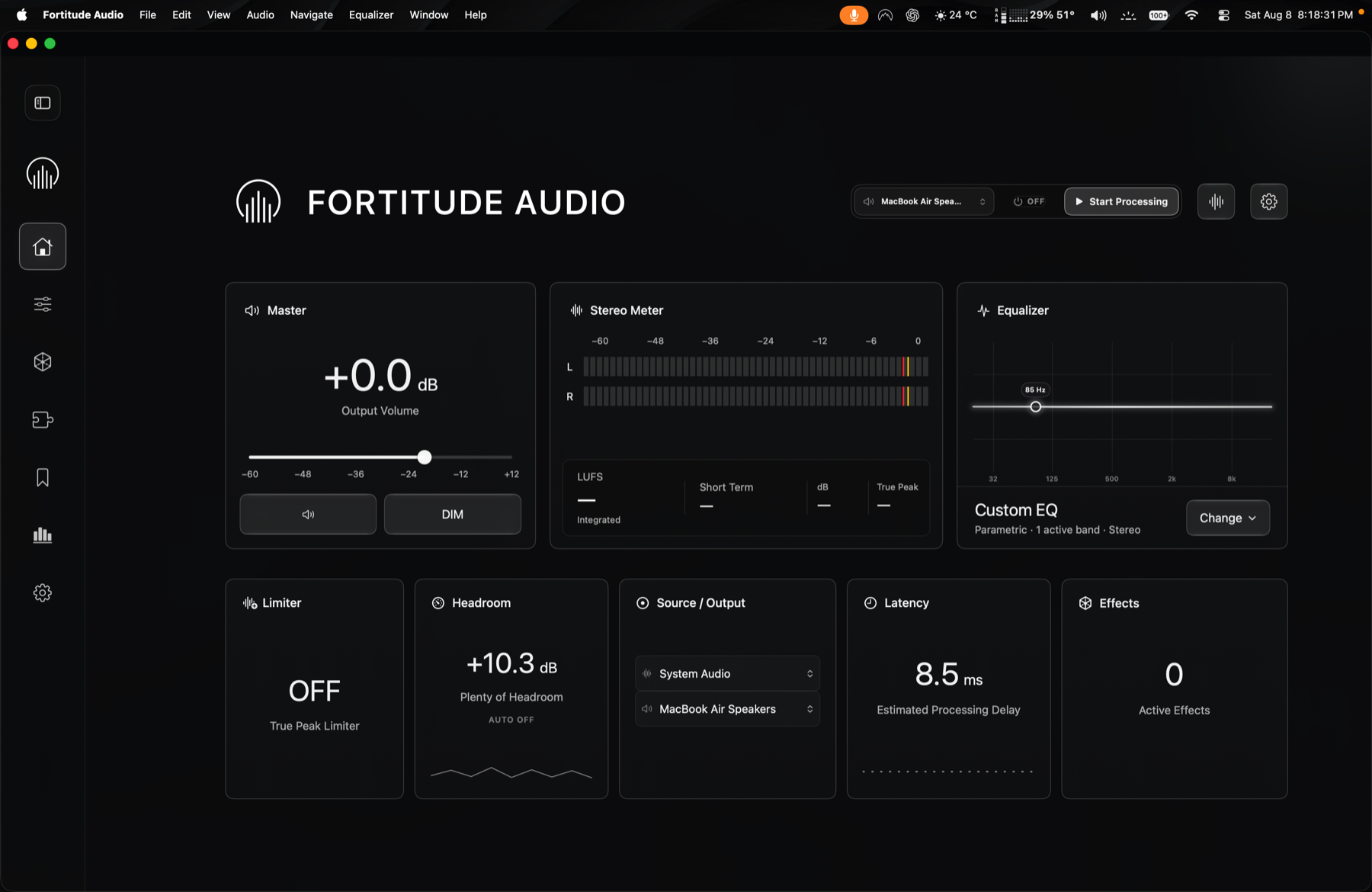
Apps render audio into macOS. A system-wide engine receives or routes that signal, applies its processing graph, and sends the result to the selected output. A good control surface makes the current source and destination explicit so a change in headphones, speakers, or aggregate routing does not become a mystery.
02
Equalization and headroom
Boosting frequencies adds energy. Multiple boosts can push the processed signal past available headroom even when the source did not clip. A master level, headroom readout, and limiter state help distinguish creative tone shaping from accidental overload.
03
Latency is a budget
Every buffer and processing stage adds delay. Music playback can tolerate more delay than live monitoring, calls, instruments, or tight audio/video interaction. Reported latency should therefore be treated as part of the routing decision, not a decorative benchmark.
04
Safe bypass and recovery
System audio utilities need predictable stop, bypass, device-change, and restart behavior. If the engine is unavailable, the user should know whether audio is passing untouched, temporarily interrupted, or waiting for a device to return.